
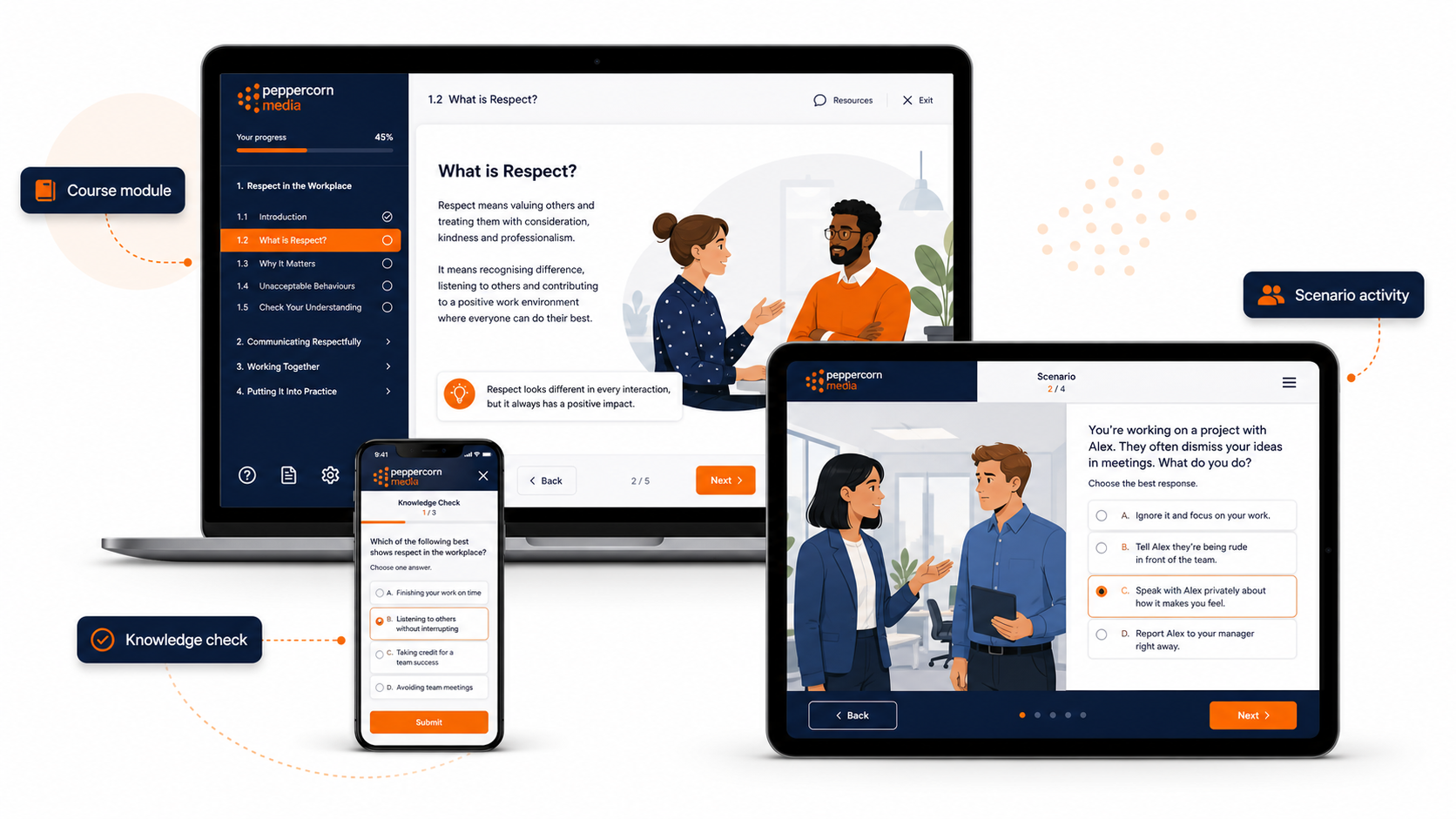
Most organisations have training content sitting somewhere in PowerPoint.
That is not a criticism. PowerPoint is useful. It is often the quickest way to pull together training notes, diagrams, screenshots, process steps and key messages. Many face-to-face sessions, inductions and toolbox talks start life as a slide deck.
Problems start when a PowerPoint file is uploaded to an LMS and called eLearning.
A slide deck can support learning, but it is not automatically online learning. Learners need more than a sequence of slides to click through. They need structure, context, interaction, feedback and a clear reason to keep going.
PowerPoint is content. eLearning is an experience.
A PowerPoint deck usually depends on someone presenting it.
The trainer adds the explanation. They tell the stories. They answer questions. They notice confusion. They slow down, speed up, clarify, demonstrate and check understanding.
Once that same slide deck is moved online, the trainer is often removed from the experience. If the slides are not redesigned, the learner is left with fragments of information and no real guidance.
That is where many online modules fall flat.
Good eLearning needs to do some of the work the trainer used to do. It should guide the learner through the material in a way that makes sense without someone standing in front of the room.
What goes wrong when slides are simply uploaded?
A PowerPoint-to-LMS approach can create a few common problems.
Content may be too dense. Slides that worked as trainer prompts can become overwhelming when learners must read them alone.
The sequence can also become unclear. A trainer can explain why one idea leads to the next, but an online learner may not see that connection.
Learners may have little to do except click “next”. That is not the same as being engaged.
In many cases, feedback is limited or missing. A quiz at the end might check recall, but it does not help the learner build understanding during the module.
The tone can also feel disconnected. Slides written for delivery by a trainer may not speak directly to an online learner.
None of this means the PowerPoint is useless. It usually means the content needs to be reshaped.
What makes eLearning different?
A good online module has a clear learning flow.
It introduces the topic, explains why it matters, breaks the content into manageable sections and gives the learner opportunities to apply what they are learning.
This does not mean every module needs complex branching, animations or expensive multimedia. Often, the best improvement is simply better structure.
For example, instead of showing a slide full of policy text, an online module might:
- introduce the workplace problem the policy is designed to address
- explain the key rule in plain English
- show a realistic example
- ask the learner what they would do
- give feedback on the response
- summarise the key point before moving on
That is a very different experience from reading a slide.
Signs your PowerPoint needs to be redesigned
A slide deck may need to be converted into proper eLearning if:
- it was designed for classroom delivery
- it relies heavily on the trainer explaining the content
- slides contain large blocks of text
- the learner has little to do except click through
- the module has no practice activities or knowledge checks
- the quiz only tests memory at the end
- the content feels more like a document than a course
- the LMS version feels long, flat or difficult to follow
These are fixable problems.
What does a good conversion involve?
A proper PowerPoint-to-eLearning conversion is not just copying slide content into a new tool.
It usually starts with a review of the material and a few practical questions:
What does the learner need to know or do by the end?
Which content is essential, and what can be simplified?
Where does the learner need an example?
Where should the learner make a decision or answer a question?
What needs to be explained through narration, on-screen text or supporting notes?
How should the module be structured so it feels manageable?
Once those questions are answered, the slide deck can be reshaped into a more useful online learning experience.
What the finished module might look like
Depending on the content, a converted module might become:
- a short Rise course
- a Storyline module
- a SCORM package for your LMS
- a scenario-based activity
- a guided policy explanation
- a knowledge check or refresher module
- a blended resource that supports both online and face-to-face delivery
The right format depends on the content, the audience, the platform and the purpose of the training.
For a simple topic, a clean and structured Rise module may be enough. A more complex topic may need Storyline interactions, branching choices or scenario-based decision-making.
The goal is not to make slides prettier
Visual design matters, but eLearning is not just decoration.
A good conversion should make the learning clearer, not just more colourful. It should help people understand the content, apply it and complete the module without unnecessary friction.
That means the final product should be:
- easier to follow
- visually cleaner
- written in plain English
- suitable for online delivery
- structured around the learner
- ready to publish or package for the LMS
A practical starting point
If you already have a PowerPoint deck, you may have more than enough to start.
The best next step is to review the slides and work out what they need to become. Some decks only need light restructuring. Others need a more careful redesign to replace the missing trainer explanation, add useful activities and improve the learning flow.
So the question is not simply:
Can this PowerPoint go online?
A better question is:
What does this content need to become so learners can actually use it?
That is where PowerPoint becomes eLearning.
Need help converting a slide deck?
PeppercornMedia helps organisations turn existing PowerPoint slides, learner guides and training content into clear, structured online learning.