
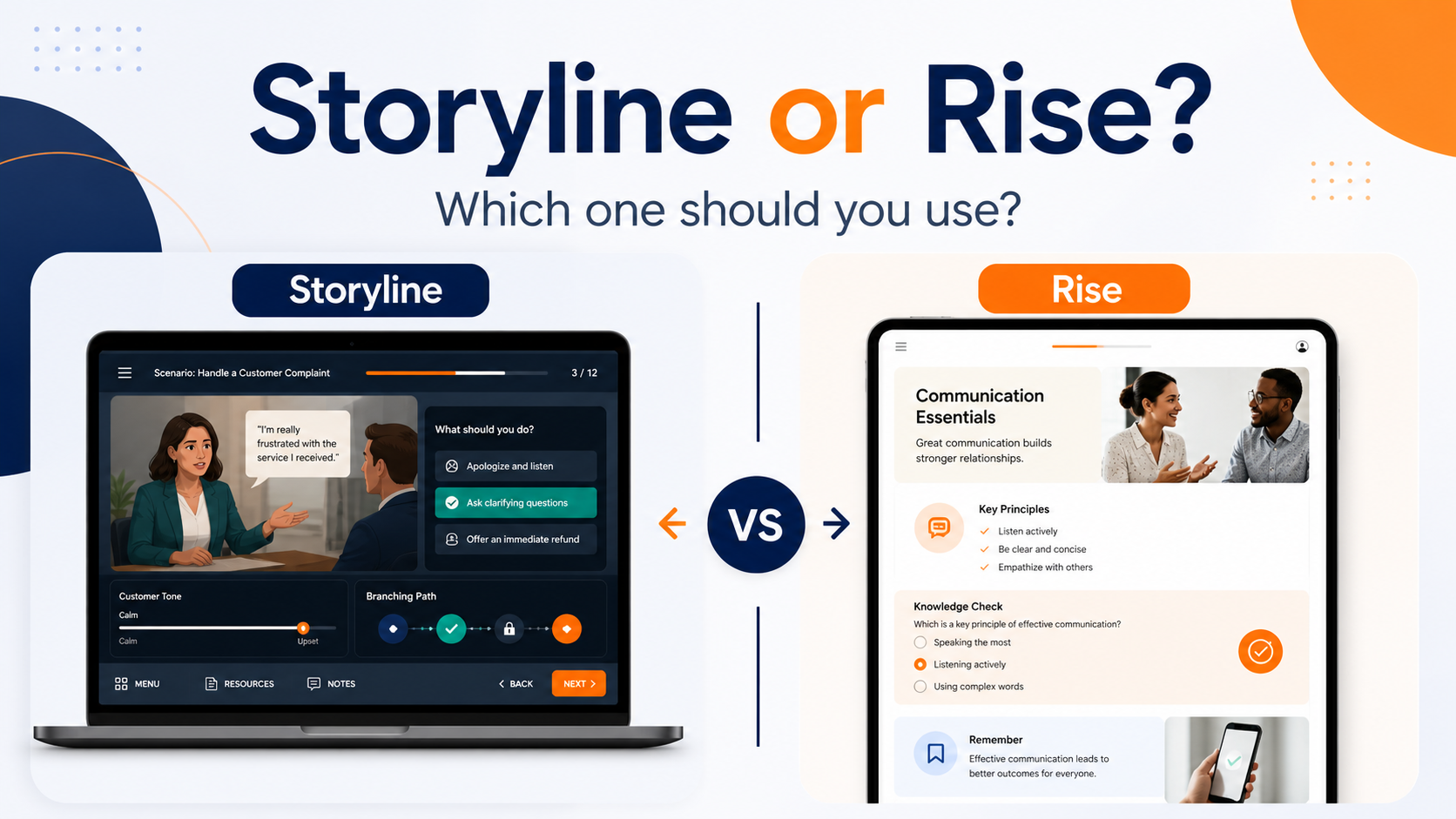
Articulate Storyline and Articulate Rise are both popular eLearning development tools, but they are not the same kind of tool.
Both can be used to build online learning. Both can be published for an LMS. Both can support professional-looking training. However, they suit different types of projects.
Choosing the right tool matters because it affects the learner experience, the development time, the budget, the level of interactivity and how easy the course will be to maintain later.
The simple difference
Rise is best when you need clean, structured, responsive online learning that works well across devices.
Storyline is best when you need more control, more interactivity and a custom-built learning experience.
In plain English:
- Rise is like building with polished, ready-made learning blocks.
- Storyline is like designing a custom interactive slide-based experience.
Neither is automatically better. The right choice depends on the job.
When Rise is usually the better choice
Rise is often the best option for straightforward online learning.
It works well when the content needs to be clear, mobile-friendly and easy to move through. The layout is clean, the structure is simple, and the course responds well on different screen sizes.
Rise is a strong choice for:
- staff inductions
- policy explanations
- short refresher modules
- process overviews
- compliance topics
- information-based training
- learner guide conversions
- simple knowledge checks
It is also useful when the timeline is tight or the course needs to be easy to update later.
For example, if an organisation has a PowerPoint deck, policy document or learner guide that needs to become a clean online module, Rise may be the most practical starting point.
Why Rise works well
Rise gives learners a smooth, modern course experience. It is easy to navigate, visually consistent and generally quicker to develop than a fully custom Storyline module.
It also helps avoid over-designing a simple topic.
Not every course needs branching decisions, custom triggers or complex interactions. Sometimes the best solution is a clear sequence of information, examples, short activities and knowledge checks.
In those cases, Rise can do the job very well.
Where Rise can be limiting
Rise is not as flexible as Storyline.
You can customise the content and choose from different block types, but you are still working within the Rise structure. That is usually fine for many projects, but it can become limiting when you need a more specific interaction or visual layout.
Rise may not be the best option if you need:
- complex branching scenarios
- custom drag-and-drop activities
- highly specific screen layouts
- detailed software simulations
- variables and conditional logic
- game-like interactions
- complex assessment behaviour
- highly customised visual design
That does not make Rise weak. It simply means it is designed for structured, responsive learning rather than fully custom interaction design.
When Storyline is usually the better choice
Storyline is better when the learner needs to do more than read, watch and answer basic questions.
It gives much more control over the screen, the interaction and the flow of the learning. You can design custom layouts, build scenarios, use triggers and variables, create branching paths and control how learners move through the module.
Storyline is a strong choice for:
- scenario-based learning
- decision-making activities
- software or system simulations
- custom interactions
- complex quizzes
- drag-and-drop activities
- branching pathways
- visual demonstrations
- role-based learning experiences
For example, if learners need to practise choosing the best response in a workplace situation, Storyline can create a more realistic and interactive experience than a standard page-based course.
Why Storyline works well
Storyline is powerful because it gives the developer control.
That control can be used to create activities that feel closer to the real task. Learners can make decisions, receive feedback, try again, explore consequences and move through content in a more active way.
This can be especially useful when the topic involves judgement, communication, safety, compliance, leadership or any situation where people need to apply information rather than just remember it.
Used well, Storyline can turn a flat topic into a useful practice activity.
Where Storyline can be overkill
Storyline can also be the wrong choice if the project does not need that level of custom development.
A simple information module built in Storyline may take longer than it needs to. It may also be harder for a client to update later, depending on their software access and internal capability.
Storyline is powerful, but power comes with extra development time.
It may be overkill for:
- simple policy updates
- short information modules
- basic induction content
- straightforward knowledge refreshers
- content that changes frequently
- projects with limited budget or tight timelines
In those cases, Rise may produce a cleaner and more practical result.
A practical way to decide
The decision should start with the learning need, not the tool.
Ask these questions:
- Does the learner mainly need to understand information?
- Does the learner need to practise making decisions?
- Does the course need to work smoothly on mobile?
- Does the content change often?
- Is the project mostly text, images and short checks?
- Does the module need custom interaction or branching?
- Who will maintain the course later?
- What does the LMS need to track?
If the learner mainly needs clear information, examples and simple checks, Rise may be enough.
If the learner needs practice, decision-making, simulation or tailored feedback, Storyline may be the better fit.
Sometimes the best answer is both
Some projects use both Rise and Storyline.
For example, a Rise course can provide the main structure, explanations, examples and knowledge checks. A Storyline block can then be embedded where a more interactive activity is needed.
This can be a practical middle ground.
The learner gets the clean structure of Rise, while the project still includes a custom interaction where it adds real value.
This approach works well when only part of the course needs advanced interactivity.
Think about maintenance
Maintenance is often overlooked.
If the content will change regularly, Rise may be easier to update. It is especially useful for courses that need ongoing wording, policy or process changes.
Storyline can also be updated, but it may require more development skill, especially if the module uses custom interactions, variables or complex trigger logic.
Before choosing the tool, it is worth asking:
Who will need to update this later?
A course that looks impressive but is difficult to maintain can become a problem over time.
Think about the learner
The best tool is the one that helps the learner complete the training and understand what they need to do.
A short Rise module may be better than a complicated Storyline course if the learner just needs clear, practical information.
On the other hand, a Storyline scenario may be much better than a Rise page if the learner needs to practise judgement, communication or decision-making.
The goal is not to use the flashiest tool. The goal is to choose the tool that fits the learning problem.
Quick guide
Use Rise when you need:
- clear structure
- mobile-friendly delivery
- faster development
- easier updates
- simple interactions
- clean online lessons
- learner guide or PowerPoint conversion
Use Storyline when you need:
- custom layouts
- branching scenarios
- decision-making activities
- drag-and-drop interactions
- simulations
- variables and triggers
- more control over the learner experience
Use both when you need:
- a clean course structure
- one or two custom interactions
- a balance between speed and interactivity
- a practical way to avoid overbuilding the whole course
A practical starting point
The question is not really:
Should this be built in Storyline or Rise?
A better question is:
What does the learner need to do, and which tool supports that best?
Once that is clear, the tool choice becomes much easier.
For many projects, Rise is the best starting point. For more interactive, scenario-based or highly customised learning, Storyline is often the better option.
The right choice is the one that gives learners a clear, useful experience without making the project more complicated than it needs to be.
Need help choosing the right format?
PeppercornMedia helps organisations turn training content into clear, structured online learning using tools such as Articulate Storyline and Rise.